

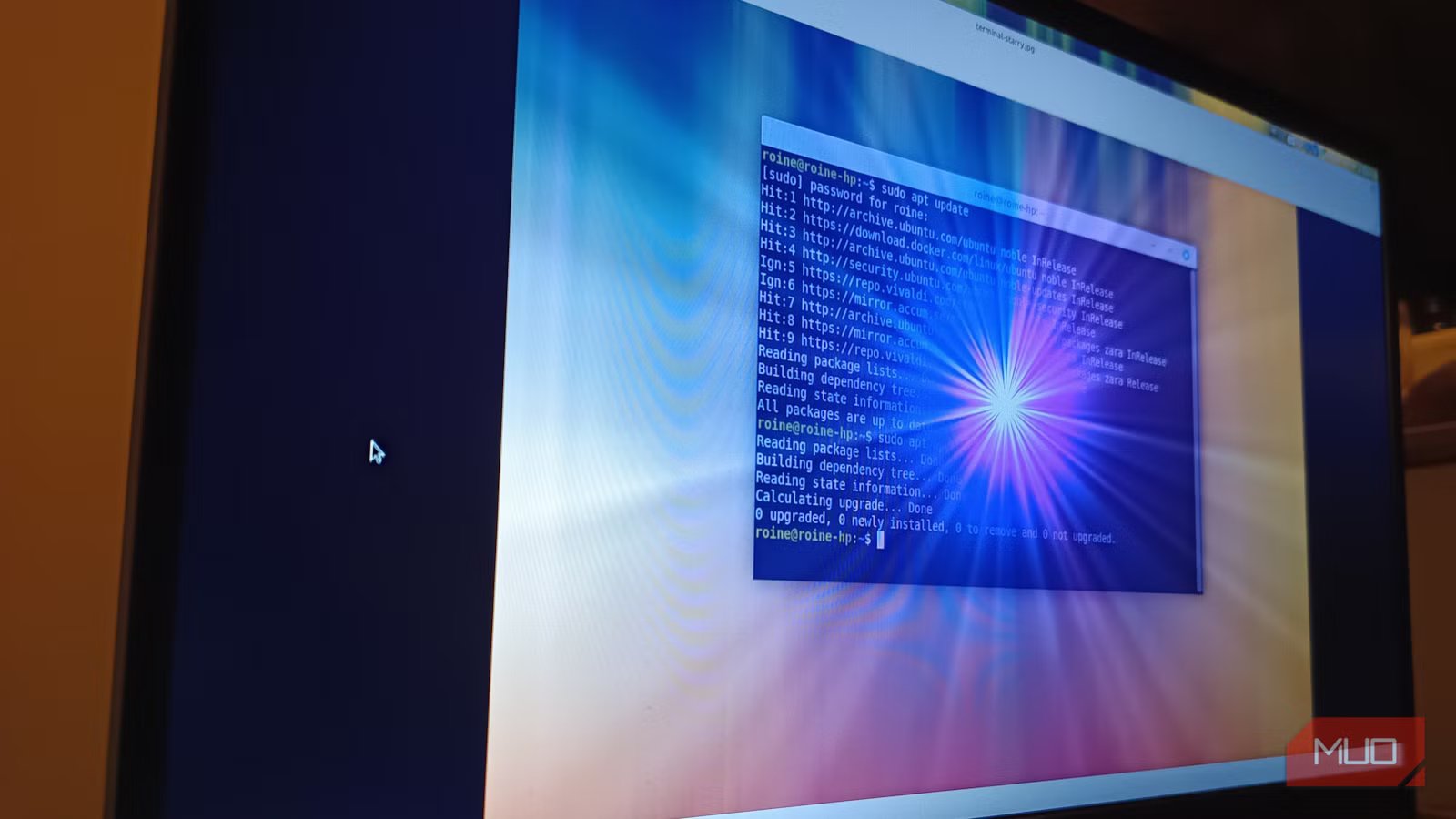
If you hang around Linux spaces long enough, you start to notice a vibe. The terminal is not just a tool. It is practically a personality trait. Screenshots glow with neon green text. Dotfiles get treated like family heirlooms. And somewhere off to the side, a perfectly normal newcomer is quietly wondering if they just signed up for a lifetime of memorizing spells that look like they were created by a caffeinated octopus.
I get the anxiety; I have been using Linux for years. Yes, I can navigate a terminal without breaking into a stress shimmer. But here is the part that doesn’t get said nearly enough: in my actual day-to-day life, the terminal barely makes a cameo. Modern Linux desktops have quietly grown up while nobody was looking. You can now get through most of your week without living inside a black rectangle full-time. If you have been curious about Linux but worried it requires permanent command-line residency, here is what my real week actually looks like.
Most of my week happens comfortably in the GUI
Daily work, installs, and settings rarely require the terminal
Screenshot: Roine Bertelson/MakeUseOf
Let’s start with the unglamorous truth. During a typical workweek, I am writing, researching, managing files, and maintaining what I generously describe as a carefully organized browser tab situation. For all of that, the terminal is nowhere to be found.
Modern desktops like KDE Plasma, GNOME, and Cinnamon have matured into genuinely comfortable daily-driver environments. I move files through Dolphin or Nemo, install most applications through graphical software centers, and handle Bluetooth, audio, printers, and network connections through settings panels that behave exactly how a sane human would expect in 2026.
Even tasks that used to shove people toward the command line have been sanded down nicely. External drives mount themselves like polite houseguests. Archive managers unpack compressed files without theatrics. System updates show up as calm graphical prompts instead of demanding ritual command incantations.
If your mental image of Linux still involves wrestling with Wi-Fi at midnight while whispering threats at your router, it is badly overdue for a refresh.
My real weekly terminal usage is surprisingly small
Most weeks, I open it only a few times
Credit: Roine Bertelson / MakeUseOf
When I actually audit my own habits, the terminal looks less like a constant companion and more like a specialist tool I reach for when it is genuinely faster. In a typical week, I might use it to run a quick update when patience is in short supply, check system info out of pure muscle memory, execute a one-off command I already know, or install something niche that never made it into the software center.
We are not talking hours per day. We are talking minutes per week. Some days it does not open at all, which would absolutely scandalize certain corners of the Linux internet. I stopped treating the terminal as the default entry point, since it’s just another tool in the toolbox, and most of the time the GUI handles things perfectly well without requiring dramatic supervision.
Related
I automated my entire Linux desktop — and I didn’t have to touch the terminal once
Turning repetitive desktop habits into invisible workflows.
Software management and system settings have grown up
Modern Linux removes most of the old friction
One of the biggest sources of terminal anxiety used to be software installation. The old ritual was practically muscle memory: open the terminal, type the command, and hope the machine didn’t suddenly develop personality issues. These days, graphical software centers do the heavy lifting quietly in the background. Whether the system uses Flatpak, Snap, or traditional repositories, the experience feels much closer to a modern app store than to a hacker initiation ceremony.
On my own machines, I install the vast majority of applications through the GUI. Browsers, media tools, office apps, note-taking software, and even plenty of developer utilities are all a few calm clicks away. Updates arrive through graphical updaters that do their job without demanding applause. System configuration has also matured dramatically. Multi-monitor layouts, fractional scaling, Bluetooth pairing, audio switching, power management, and Wi-Fi networks are all handled through clean settings panels that are, frankly, pleasantly boring.
And boring is good, as boring means predictable. Boring means I am not negotiating with my sound server at 2:13 in the morning while questioning my life choices. Yes, edge cases still exist, as exotic hardware can still get spicy. But for mainstream laptops and desktops, the amount of mandatory terminal work has dropped sharply compared to even five or six years ago.
Where the terminal still genuinely earns its keep
Speed, precision, and the occasional troubleshooting rabbit hole
Credit: Roine Bertelson/MakeUseOf
Let’s keep this grounded in reality. The terminal is not obsolete, and pretending otherwise would be pure fantasy cosplay. There are still moments when it absolutely shines.
When I need to chain together quick file operations, run a fast recursive search, inspect detailed system logs, or execute something very specific and repeatable, the terminal is often faster and more precise than any graphical equivalent. It is also still the shared language of many tutorials and troubleshooting guides. When something truly weird happens, the command line is often the shortest path between confusion and clarity.
But here is the distinction newcomers rarely hear: helpful is not the same thing as mandatory. You can be a completely competent Linux desktop user in 2026, while visiting the terminal only occasionally. The people living full-time inside tmux panes absolutely exist, and I respect their stamina. They are just not the only valid Linux experience.
The mindset shift that made Linux feel easy
The biggest change for me was not technical. It was psychological. Early on, I absorbed the quiet myth that real Linux users live in the terminal. So I forced myself to do things the hard way, even when perfectly capable graphical tools were sitting right there, minding their business and waiting patiently to help. Once I gave myself permission to use the GUI first and the terminal second, Linux stopped feeling like a system I had to wrestle into submission. It started feeling like a system that actually respected my time.
Ironically, this made me more comfortable with the terminal, not less. Now, when I open it, I usually have a clear reason. No posturing or ritual, just the right tool for the moment. Linux still carries an intimidating reputation in some circles, but in my lived reality, that version of the operating system barely shows up anymore. Most of my workweek takes place in polished desktop environments and well-behaved graphical tools. The terminal is still there when I want power and precision, and I am genuinely glad it exists.
But these days, it is no longer the price of admission.
