

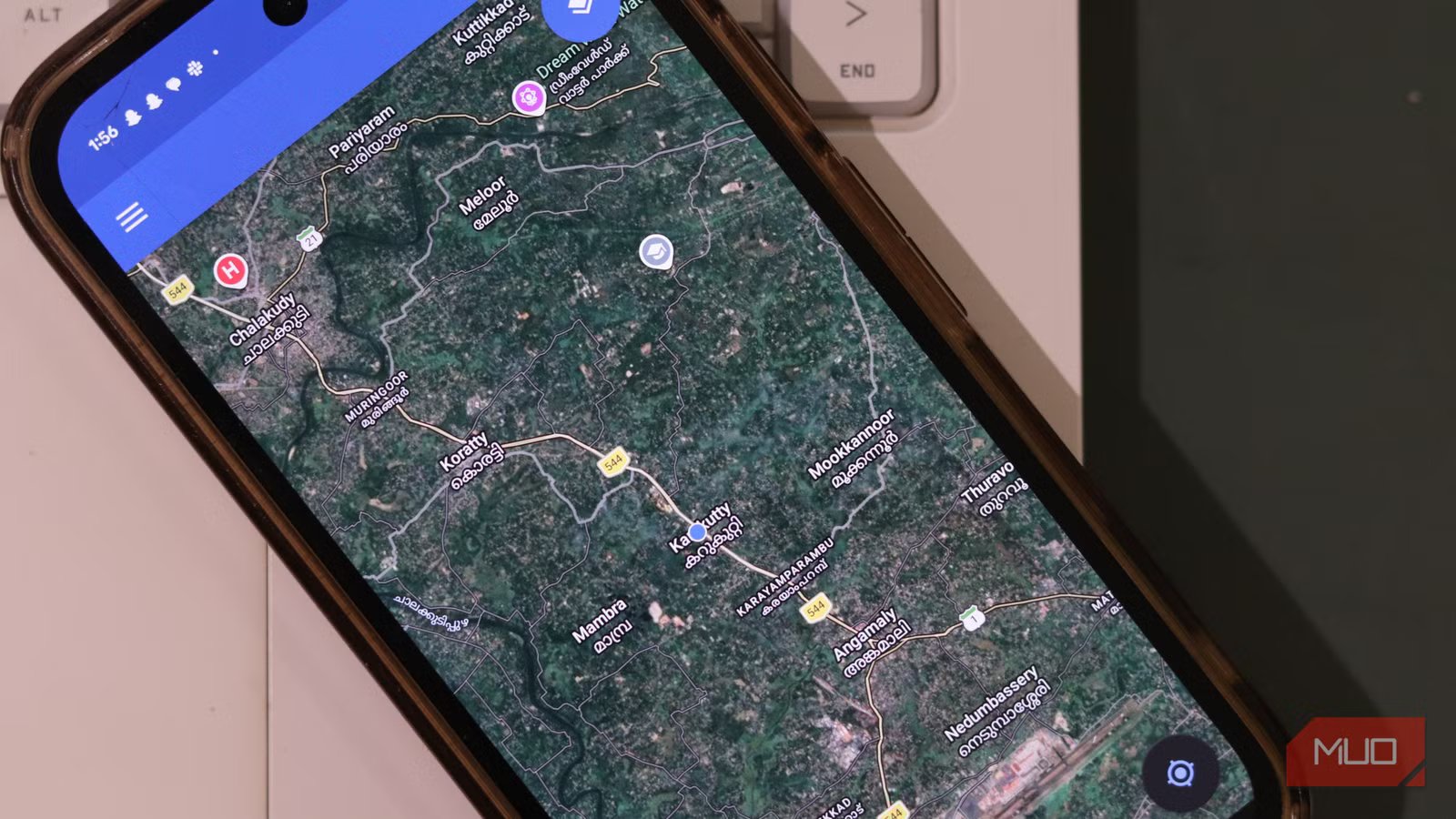
For years, I’ve scrolled through Google Maps Timeline and relived trips, coffee runs, and random detours, but I’ve always been skeptical about where all that data is being stored. Realizing just how detailed that timeline was finally pushed me over the edge.
You can self-host apps and save yourself money, and as you can probably guess, you can do that with your location history and take control of your privacy, too. So I started self-hosting my location history to keep all the magic of location history without offloading my entire life to someone else’s servers.
I didn’t want surveillance, I just wanted my memories
The appeal of location history
When you think about it, you’ll realize that you don’t actually need anything fancy or social from location history. In my case, I just wanted a few very specific data points: a private timeline I can scrub through to see where I was on a specific day or trip, an easy way to export my data if I ever wanted to analyze or move to another tool, a few simple stats, and most importantly, confidence that the raw data outlining my life sits on a machine I control, not on some random data center I’ll never see.
That’s where self-hosting your location history comes in handy. Once you go down the self-hosting rabbit hole, you’ll discover that there’s a surprisingly healthy ecosystem around DIY location tracking, even if it’s not as seamless as Google’s version.
There are apps like OwnTracks that act as a private location diary and send your phone’s location updates to your own server instead of a third-party cloud service, complete with a lightweight backend called Recorder and an optional single-page frontend for browsing your tracks over time. If you already use NextCloud, there’s a PhoneTrack app that can receive location pings from multiple logging apps and store, visualize, and export them as GPX, so you essentially get a self-hosted alternative to Google Timeline inside your existing cloud setup.
If you want a more finished, premium experience, there are newer projects like Dawarich that position themselves explicitly as self-hosted Google Timeline replacements. These offer support for importing data from Google, OwnTracks, GPX, and other sources, and then exploring stats such as countries visited or distance traveled.
OS
Android, iOS
Price model
Free, Open-source
OwnTracks is an open-source, user-controlled location-tracking project that lets you publish your phone’s current position to a server you choose.
What my location self-host stack looks like
One app is all it takes
After a bit of experimentation, I ended up with a pretty straightforward setup that balances reliability and flexibility. I’ve had issues with self-hosted apps before, so I didn’t want to babysit my installation every weekend, especially when I’m away on a trip and don’t want to be SSHing into my server to fix things.
On my phone, I run OwnTracks in a conservative, battery-friendly mode so it only publishes when I move a meaningful distance or at a reasonable time interval, which keeps the track detailed enough to be interesting without exhausting battery.
On the server side, I run the OwnTracks Recorder behind a reverse proxy, and it just quietly accepts location updates and writes them out to plain data files. This is great because it means I’m not locked into some foreign database schema and can always script against the raw data later if I feel like nerding out. These files are encrypted by Cryptomator, an app that’s also responsible for protecting my offline-first productivity stack.
Viewing is handled by the official OwnTracks frontend at the Recorder, so I get a nice map UI, heatmaps, and history view in the browser without needing to stick together my own dashboard from scratch. Sometimes I export chunks of raw data into tools like Grafana for graphs and charts for fun.
Setting it up was way less painful than I expected
Installation is basically a couple of Docker containers and an app
Screenshot taken by Yadullah Abidi | No attribution required.
If the aforementioned stack sounded intimidating to you, that’s perfectly natural. However, hosting all of it is extremely easy. If you’ve self-hosted anything before, this will feel very familiar.
I pulled the official OwnTracks Recorder container image and wired it up via Docker Compose, mounted a volume for storage, and put it behind an existing reverse proxy so I could access it over HTTPS remotely without exposing random ports to the internet. On the phone side, setup is a simple matter of typing the right endpoint URL, enabling authentication, and picking a sensible publishing mode.
OwnTracks leans heavily on the operating system’s own location reporting, so it’s not constantly polling the GPS sensor in your phone on its own, which helps massively with battery life. It can also interact with standard protocols like HTTP and MQTT, which makes it easy to plug this into other pieces of my self-hosted stack over time rather than being stuck in one app forever.
Why this feels better than Google Maps Timeline ever did
No third-party data mining
Image taken by Yadullah Abidi | No attribution required.
The daily experience is almost boring in the best possible way. The app sits in the background, my server chugs along and collects points, and when I’m curious about where I was on a particular day, I just open the web UI and scrub through my own data.
The only person seeing this raw stream of movement is me. Knowing that I can tear the whole stack down, migrate to a different backend, or even import everything into a dedicated timeline tool like Dawarich without begging a big company for a full export is a level of comfort I didn’t realize I was missing.
That said, yes, the setup can be some work, especially setting up a reverse proxy if you’ve never done it before. However, there are more than enough tutorials and help on the internet to let you figure out the most common hurdles you’ll face rather quickly. It’s also not as polished as the Google Maps interface, but that’s the price you pay for not letting a major corporation track your movements around the clock.
Is self-hosting location history for you?
If you already self-host, this is a natural next step
Self-hosting your location history isn’t for everyone, though. You’ll need basic comfort with Docker or web servers, you must secure your endpoints properly, and you absolutely need backup—because if your server goes down, your timeline goes with it.
Related
I’ve Dropped Google Maps in Favor of This Open-Source Alternative
You don’t have to let Google scoop up all of your location data.
But if you already self-host something like Nextcloud, Home Assistant, a storage cloud, or Notion-alternative, this is a surprisingly approachable next step. You keep the genuinely useful parts of location history without handing your life’s map to a third-party.
